
DentistUP in your browser
Everything in the DentistUP app, on a bigger screen.
Open the web appSign in with the same account as your phone.
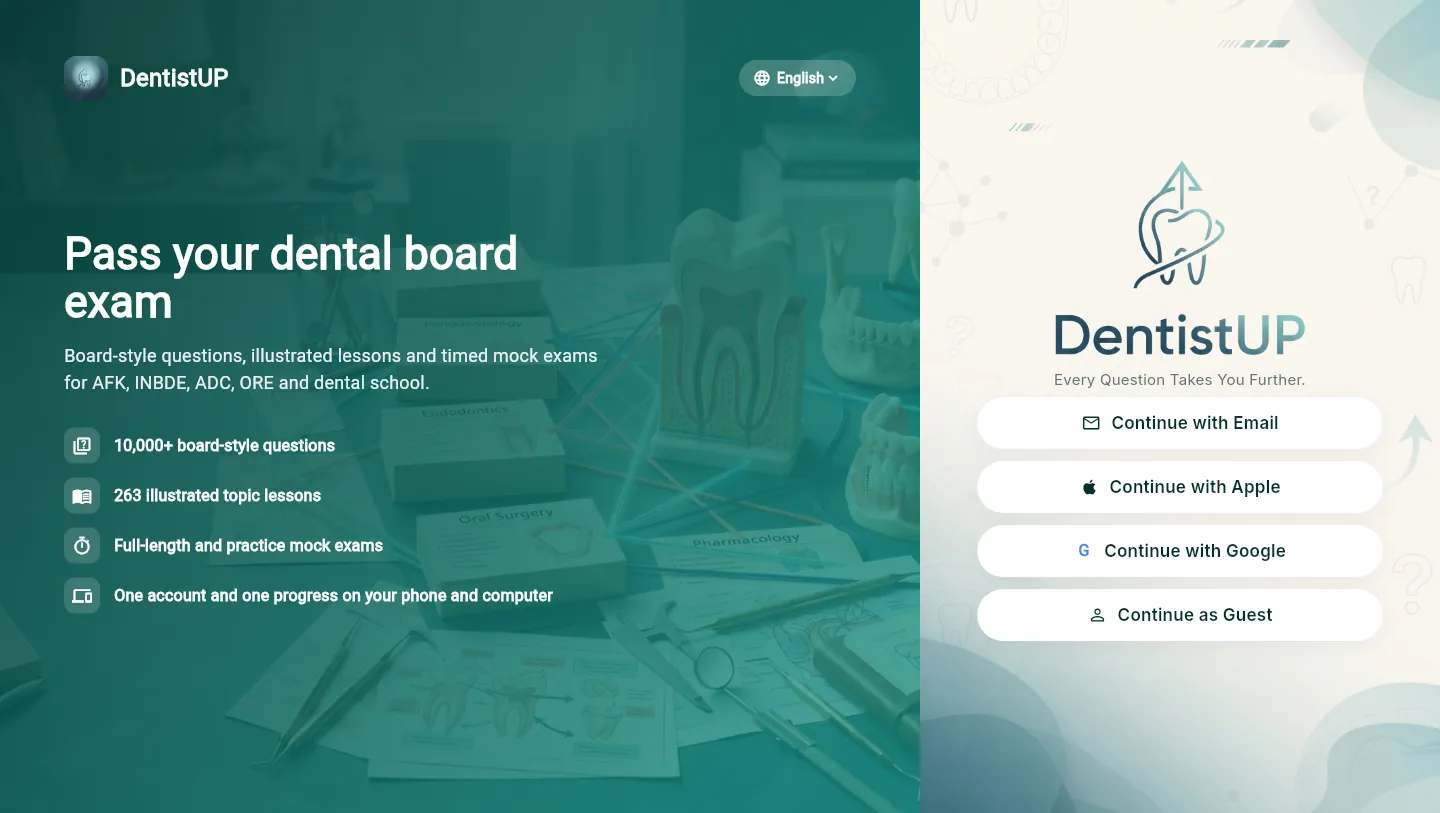
How to start
Open the web app
Open dentistup-app.web.app or select Web App at the top of any page.
dentistup-app.web.app →Choose your language
English, Türkçe, Português (Brasil) and seven more. You can change it later from the sign-in screen or Settings.
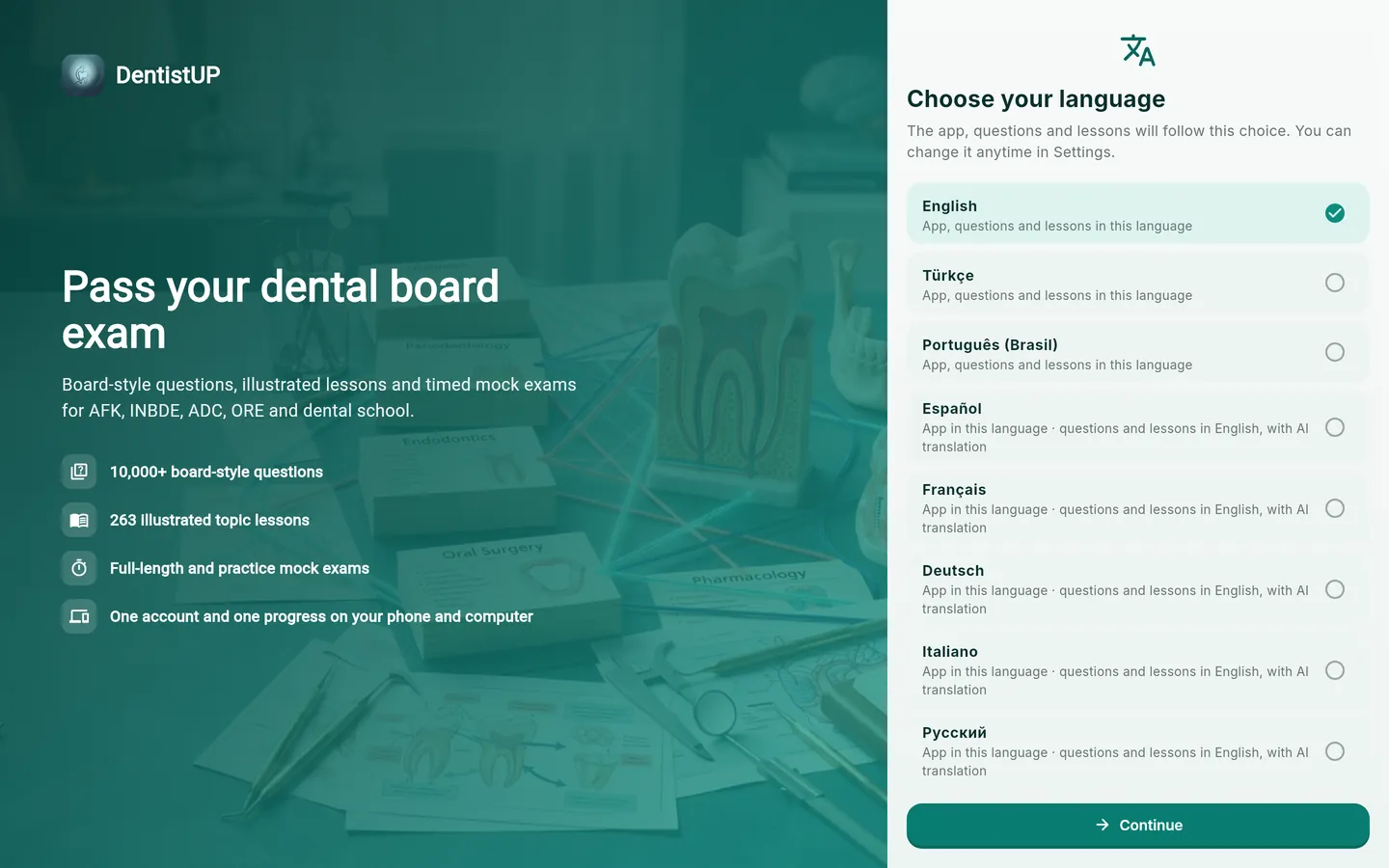
Sign in
Use Apple, Google or email (the same account as your phone), or continue as a guest.
What syncs
Work on one device and it appears on the other.
- Progress and answered questions
- Statistics
- Review Pool
- Bookmarks
- Completed tests
- Saved Visual Atlas illustrations
- Continue where you left off
- Today's 10
- Unlocked content
- Credits
- Pro membership
The full study experience
Deep Study lessons and tests, the Visual Atlas, Review Pool, mock exams and practice halves, Clinical Cases, Visual Cases, AI explanations, and the level check with a personal plan.
Built for a big screen
- On a wide window, a side menu replaces the phone's bottom bar.
- Lessons, questions, mock exams and cases sit in a comfortable reading column.
- The Visual Atlas and study screens show more cards per row.
- On a narrow window or a phone browser, you get the familiar phone layout.
Languages
| Language | What is in your language |
|---|---|
| English | Interface and all study content (original) |
| Türkçe | Interface and all study content (reviewed translation, built in) |
| Português (Brasil) | Interface and all study content (reviewed translation, built in) |
| Español, Français, Deutsch, Italiano, Русский, العربية, हिन्दी | Interface. Study content in English, with optional AI translation per lesson or test (uses AI credits) |
Text inside illustrations and Visual Atlas captions stays in English. The app language is independent of your browser or phone language.
Coming from the mobile app as a guest?
A guest account lives only in the browser or device where you created it. To bring your mobile progress to the web:
- 1In the mobile app, open Settings → Save your progress.
- 2Link Apple, Google or email.
- 3On the web, sign in with that account.
Pro and credits
Bought Pro or credits in the iOS or Android app? They already work here with the same account.
Prefer your phone? Get the mobile app.
Questions about the web app
Can I use DentistUP on my computer?
Yes. Open dentistup-app.web.app (or select Web App at the top of this site) and sign in with the same Apple, Google or email account you use in the app. Your progress, Review Pool, saved visuals, credits and Pro membership are shared.
Does my progress sync between phone and web?
Yes, automatically, as long as you use the same account. Guest accounts stay on one device, so save your progress in the app's Settings first.
Which languages does DentistUP support?
Full content in English, Turkish and Brazilian Portuguese; app interface also in Spanish, French, German, Italian, Russian, Arabic and Hindi, with optional AI translation of lessons and tests.
Do I have to buy Pro again for the web?
No. Pro bought in the iOS or Android app works on the web with the same account.
Which browsers are supported?
Current versions of Chrome, Safari, Edge and Firefox on desktop, tablet and phone.
Do I need to install anything?
No.